
One shared WhatsApp inbox for your whole support team
Stop passing a single phone around or sharing one login. Give every agent their own seat, see every conversation in one place, and never drop a customer message again.
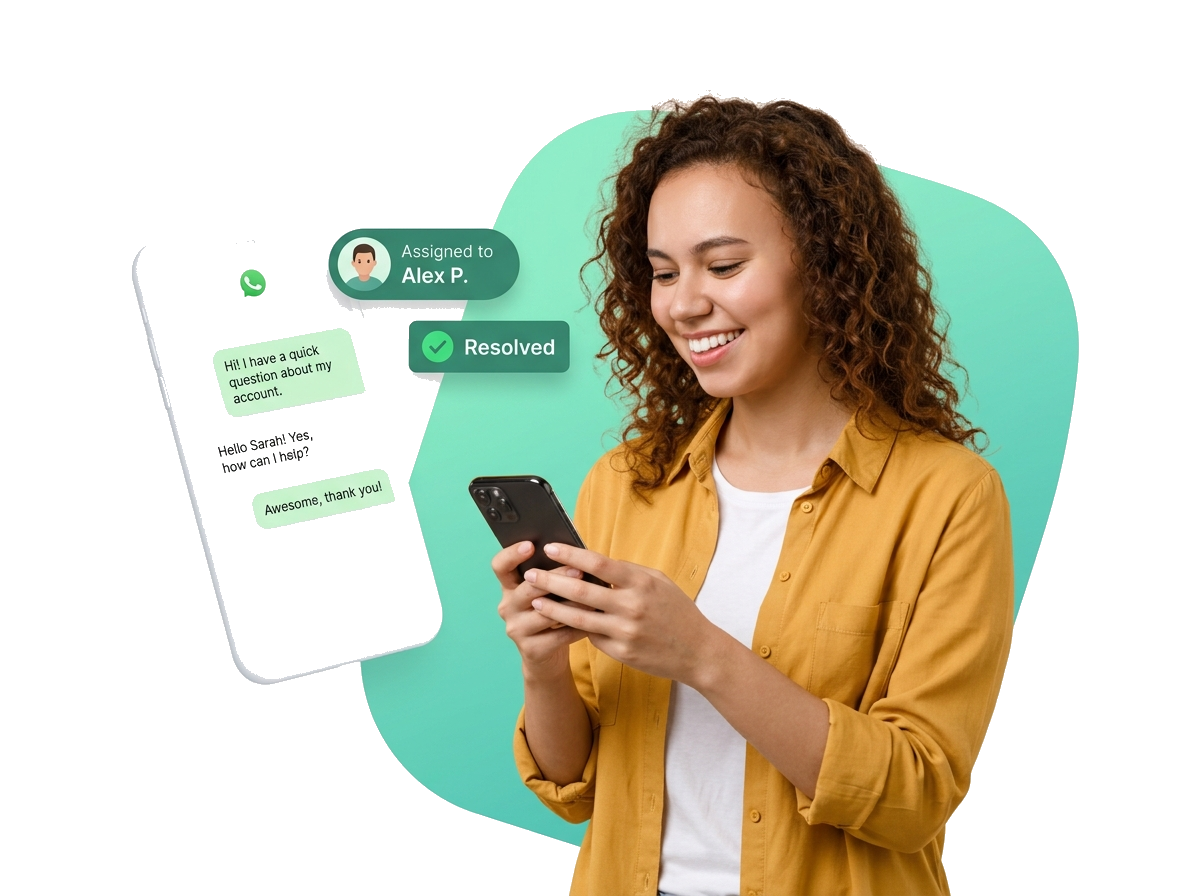
From shared-phone chaos to one calm inbox
Watch what changes the moment your team moves off a single phone and into WA Desk.
Without WA Desk
- New messages are seen by just one person.
- Two agents reply to the same customer.
- No record of who handled what.
- Customers wait, then leave.
With WA Desk
- Every agent works from one shared inbox.
- Collision detection stops double replies.
- Clear ownership and full history.
- Customers get fast replies, nothing slips.
Everything your team needs to reply together
Multiple agents, one inbox
Every teammate logs in to the same shared inbox and sees the full queue.
Collision detection
See who’s viewing or typing, so two agents never reply to the same chat.
Smart assignment
Auto-route by keyword or round-robin so the right agent always gets it.
Tags, filters & search
Label and find any conversation in seconds, even across thousands.
Route every conversation to the right agent
Auto-assignment by keyword, round-robin load balancing, or a quick manual handoff means the right chat always lands with the right person, with a full history of who handled what.
- Auto-assign based on keywords
- Round-robin load balancing
- One-click manual reassignment
- Assignment history on every ticket
Loop in your team with private internal notes
Add notes only your team can see, @mention a teammate, and resolve complex queries together, all without the customer ever seeing the conversation.
- @mention teammates in notes
- Attach files to internal notes
- Full note history on every ticket
- Supervisor visibility across all notes
See status and SLA at a glance
Every conversation has a clear status so nothing gets forgotten, and live SLA timers show exactly which tickets need attention right now.
- Open / Pending / Resolved / Closed statuses
- Live SLA countdown per ticket
- Overdue alerts and notifications
- Bulk status updates
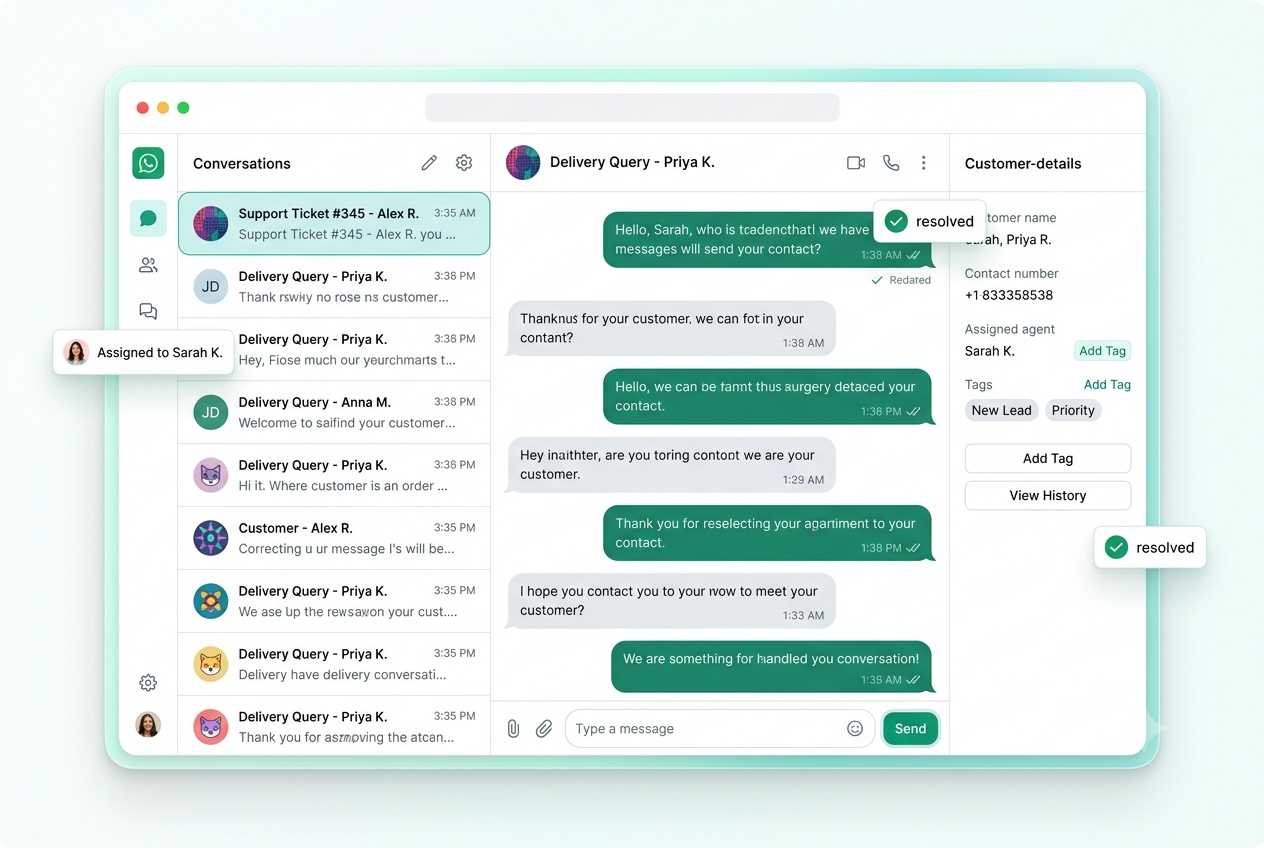
Your whole support desk, in one screen
Conversations, assignments, notes, statuses and SLAs, everything your team needs, without leaving WhatsApp.
Up and running in three steps
1. Connect your number
Link your WhatsApp Business number, no new SIMs, no new phones.
2. Invite your team
Add agents with their own logins and roles in a couple of clicks.
3. Reply together
Conversations route to the right agent and your team starts replying as one.
Built for every team that talks to customers on WhatsApp
From a two-person shop to a 50-seat support floor, a shared inbox fits the way you work.
Shared inbox questions
Everything teams ask before moving WhatsApp support into WA Desk.
Ask us in a demoExplore more: Smart ticketing · Automations · Pricing
Give your whole team one WhatsApp inbox
See the shared Team Inbox live, and we’ll help you get set up on your own number.