
Reach your customers proactively on WhatsApp
Don’t just wait for customers to message you. Send targeted WhatsApp broadcasts, promotions, service updates and reminders, to opted-in, segmented lists, personalized at scale.
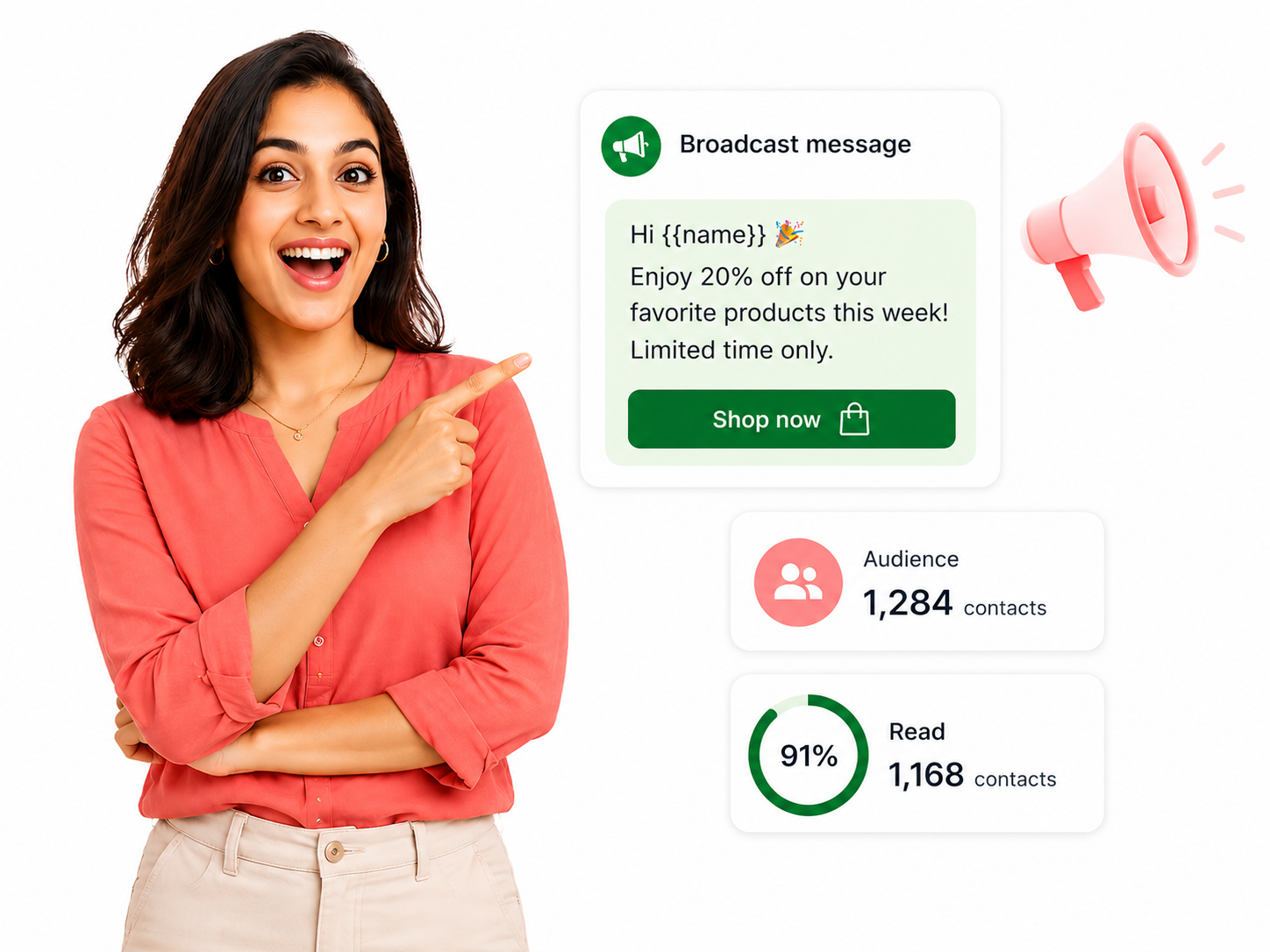
Email gets ignored. WhatsApp gets read.
Reach the inbox people actually open, with messages they actually want.
Without broadcasts
- Email promos sit unread at ~20% open.
- You only talk to customers when they reach out.
- One-size-fits-all blasts feel like spam.
- No idea what actually landed.
With WA Desk broadcasts
- WhatsApp messages with ~98% open rates.
- Reach out proactively, at the right moment.
- Segmented and personalized per recipient.
- Delivery, read and reply rates measured.
The highest open-rate channel for outreach
Targeted campaigns
Segment contacts and send the right message to the right people.
High deliverability
Sent on the official WhatsApp Business API, ~98% open rates.
Personalized at scale
Every recipient gets their own name, order or date.
Campaign analytics
Track delivery, read and reply rates for every broadcast.
Send to exactly the right people
Build lists from tags, location, purchase history or custom fields, import via CSV or sync from your CRM, and opted-out contacts are excluded automatically.
- Segment by tags, location or custom fields
- Import via CSV or sync from your CRM
- Dynamic lists that auto-update
- Opted-out contacts excluded automatically
Approved templates, personalized per person
Broadcast with pre-approved WhatsApp template messages, text, header images and call-to-action buttons, and drop in each recipient’s name, order or date automatically.
- Submit and manage templates in WA Desk
- Header image, body and CTA buttons
- Variables for name, order ID, dates and more
- Preview before you send
Send at the right time, then see what worked
Schedule broadcasts in advance with timezone-aware delivery, run recurring campaigns, and track delivery, read and reply rates on every send.
- Schedule hours or days ahead
- Timezone-aware delivery
- Edit, cancel or make it recurring
- Delivery, read and reply analytics
From audience to results, in one place
Pick a segment, personalize an approved template, schedule it, and watch the read rates roll in.
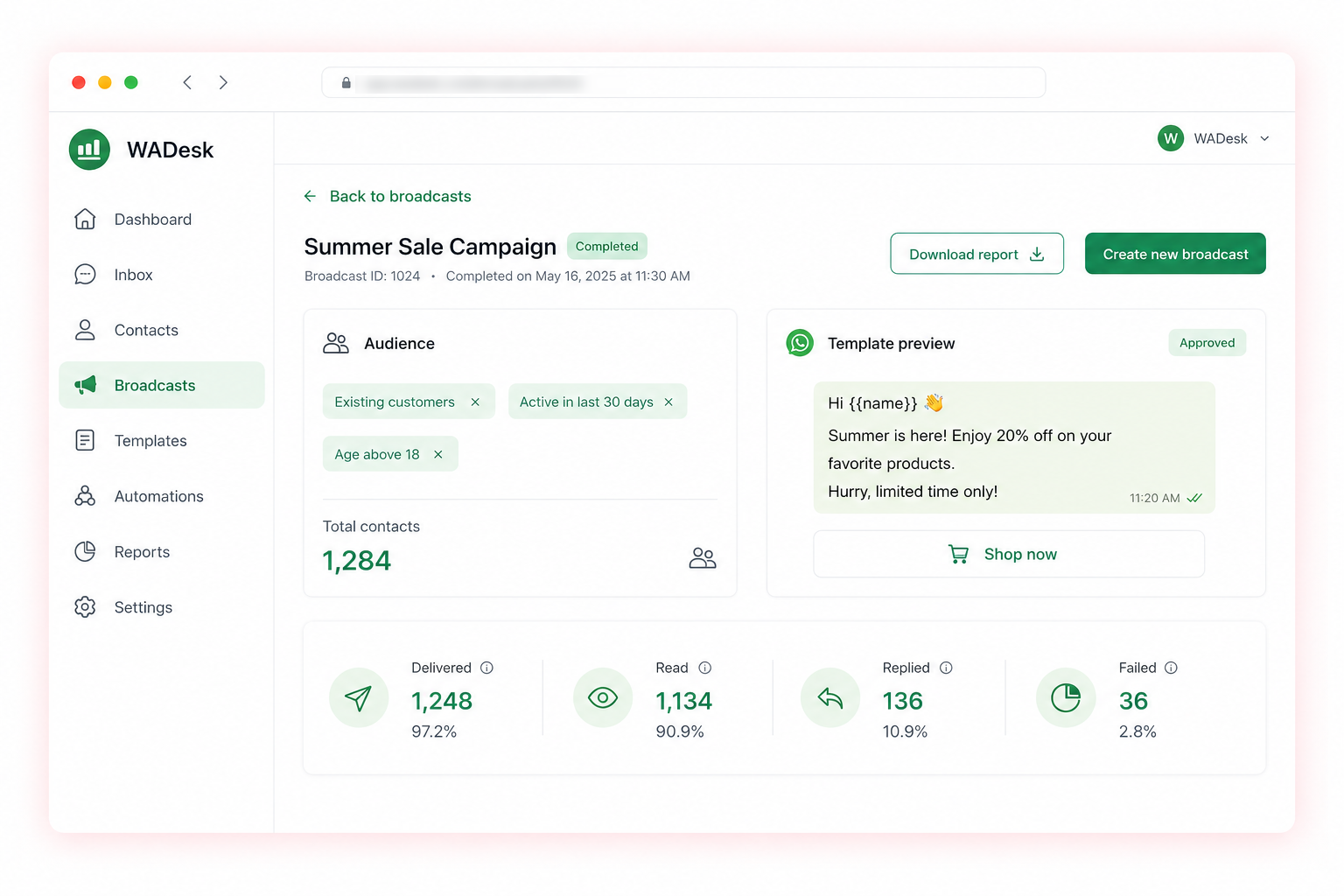
Launch a campaign in three steps
1. Pick your audience
Segment opted-in contacts by tag, location or behaviour.
2. Personalize a template
Use an approved template with variables and a CTA.
3. Send & measure
Schedule it, then track delivery, read and reply rates.
Proactive outreach for every business
From promotions to reminders, reach customers where they read.
Explore more: Canned responses · Automations · Pricing
Stop waiting. Start reaching out.
See WA Desk broadcasts live, and we’ll help you launch your first campaign.