
Never miss a support SLA again
Define your response and resolution targets, and WA Desk tracks every ticket against them automatically, alerting you before a breach happens, not after.
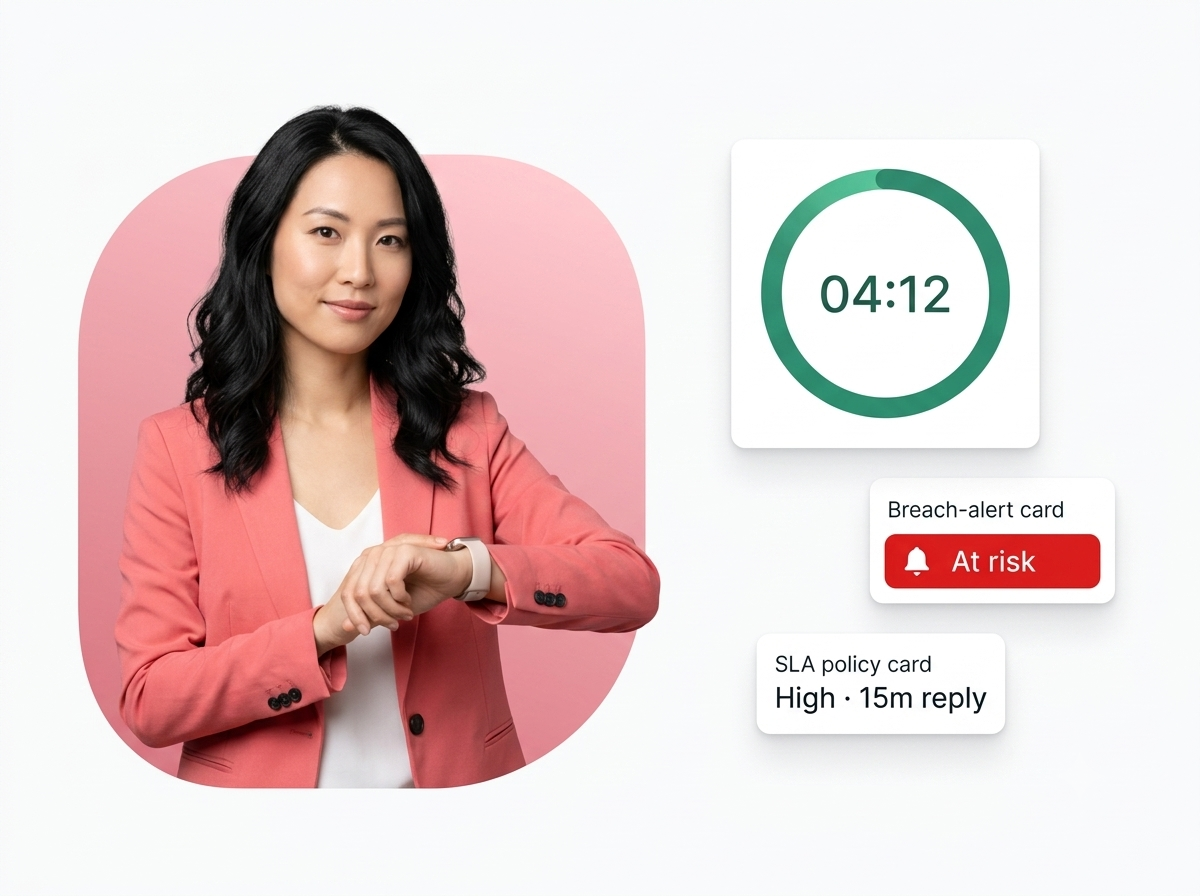
Find out about a breach before your customer does
Targets, timers and alerts that keep every ticket inside its promised window.
Without SLA management
- No targets, “soon” means anything.
- You learn about breaches from angry customers.
- Urgent tickets get buried in the queue.
- No proof of how often you actually hit targets.
With WA Desk SLA management
- Clear response & resolution targets per priority.
- Alerts fire before a breach, not after.
- Queue sorts by SLA urgency automatically.
- Compliance measured and reportable.
SLA compliance, made automatic
Custom SLA policies
Different targets by priority, channel or customer tier.
Live countdown timers
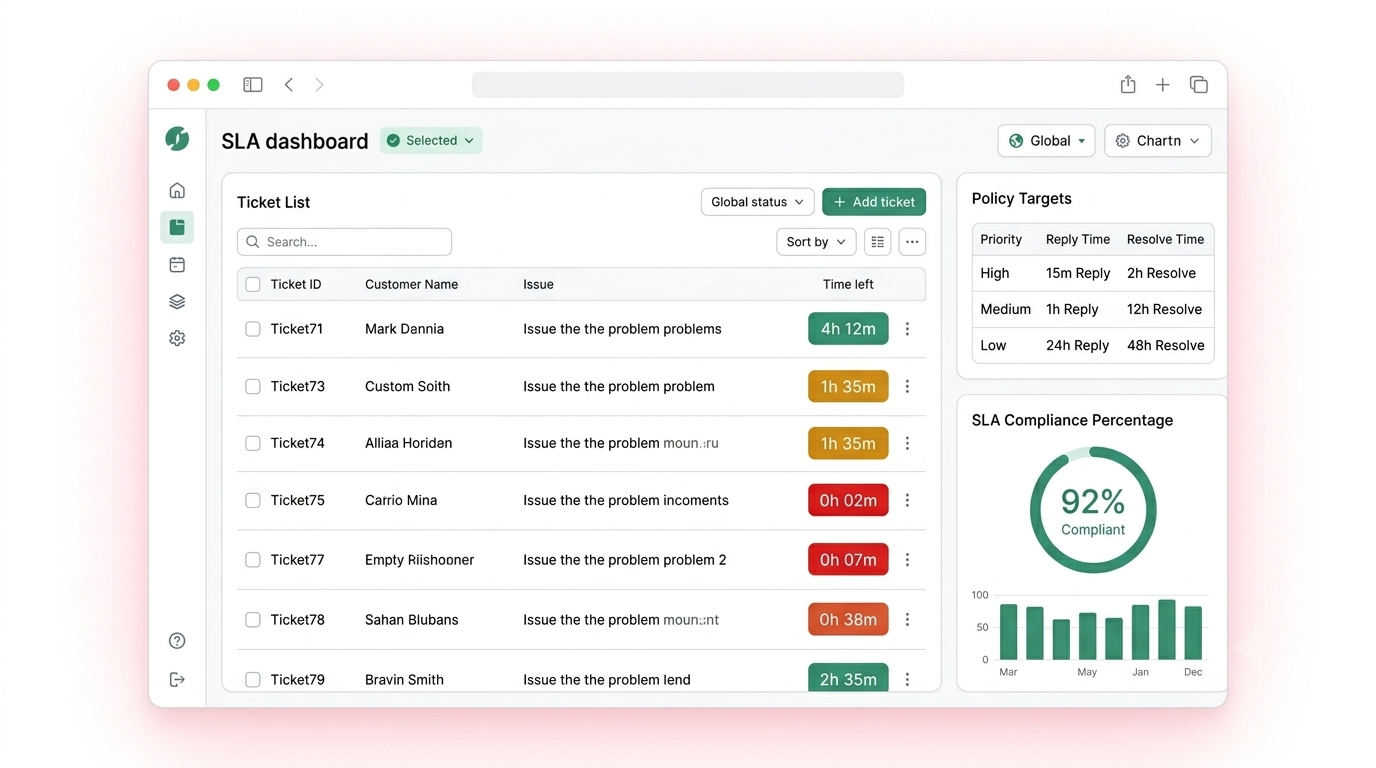
Every open ticket shows the time left, colour-coded.
Breach alerts & escalation
Get warned early and auto-escalate at-risk tickets.
Compliance reports
Track adherence and drill down to fix bottlenecks.
Flexible SLA policies, your way
Set response and resolution targets by ticket priority, channel or customer tier, with separate first-response and resolution windows, in business hours or 24×7.
- Priority-based tiers (High, Medium, Low)
- Channel-specific response targets
- Separate first-response and resolution targets
- Business-hours and 24×7 SLA modes
A live timer on every open ticket
Agents always know how much time is left. Colour-coded urgency and SLA-sorted queues mean the most at-risk tickets rise to the top automatically.
- Visible countdown on every open ticket
- Colour-coded urgency (green, amber, red)
- Sort the queue by SLA urgency
- Timer pauses while awaiting the customer
Auto-escalate before it’s too late
Set escalation to trigger at any threshold, say 80% of the SLA window, and WA Desk reassigns to a senior agent or notifies a supervisor, automatically.
- Rule-based escalation at any SLA threshold
- Auto-reassign to seniors or supervisors
- Notifications via email and WhatsApp
- Multi-level escalation chains
Every SLA, in one view
Targets, live countdowns, breach alerts and compliance, so nothing slips past its deadline.
Three steps to SLAs you actually hit
1. Set your targets
Define response and resolution windows by priority and channel.
2. WA Desk tracks every ticket
Live timers run automatically and warn you before a breach.
3. Measure & improve
Review compliance reports and fix the patterns behind breaches.
SLAs that fit how you support
Wherever response times are a promise, SLA tracking keeps it.
Explore more: Smart ticketing · Analytics · Pricing
Stop reacting to breaches. Start preventing them.
See WA Desk SLA management live, and we’ll help you set up your first policy.